 Free PC Tech


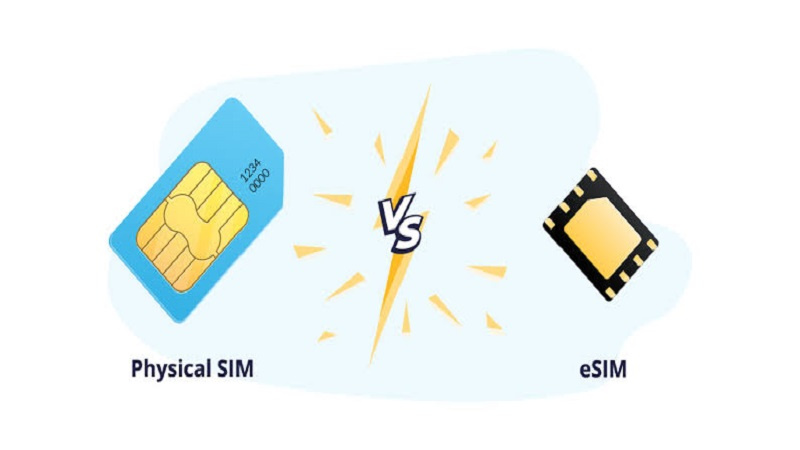
Every overseas trip raises the same phone question: how will you get mobile data once you land? Roaming on your home plan is the easy default, but depending on your provider and destination it can be expensive. The usual alternative is a local or travel SIM, and these days that SIM comes in two forms: a physical card you put in the SIM tray, or an eSIM you download to the phone.
Both can do the job. The better choice depends on your phone, your route and how much setup you want to do before you leave. If your phone supports eSIM and is carrier-unlocked, browsing a range such as TravelKon travel eSIMs will show you how destination and regional data plans are usually structured, with a country list, a data amount and a validity period.
How Each One Works
A physical SIM is the small card that stores the details your phone needs to identify itself to a mobile network. To use a different network, you swap cards: eject the tray, remove your home SIM, insert the new one and keep the old card somewhere safe.
An eSIM does the same job without the card. The network details are downloaded as a profile onto a chip built into the phone. You usually install it by scanning a QR code or following steps in the provider's app, and a phone can store more than one eSIM profile. You choose which line is active and which line handles mobile data in the phone's settings.
Setup: Before You Fly or After You Land
The biggest practical difference is timing. A physical SIM has to reach you first, either by post before the trip or from a shop or kiosk after you arrive. Buying on arrival can mean an airport queue, a passport check and setup at a counter while your ride waits.
An eSIM can be bought and installed at home on Wi-Fi, often days before departure. On landing you switch the line on and connect. Read the plan's activation terms first, because some plans start their validity when you install the eSIM and others when it first connects to a network in a covered country. Installing too early on the wrong kind of plan can use up days you meant for the trip.
Phone Compatibility
Physical SIMs work in most phones with a SIM tray, but not every phone supports eSIM, and some recent models, including certain iPhones, are eSIM-only with no tray at all. Many recent flagship and mid-range models do, while some older or lower-cost models do not. Check your exact model, not only the brand.
Either option needs a phone that is carrier-unlocked if the SIM comes from a provider other than your home network. Phones bought on a contract or payment plan are sometimes locked. On an iPhone, you can check by opening Settings, tapping General, then About, and looking for “No SIM Restrictions” next to Service Provider Lock.
Apple's page on using eSIM while travelling internationally with your iPhone lists the iPhone models that support eSIM and covers the options for using it abroad. On Android, the location of eSIM and lock information depends on the manufacturer, so follow the phone maker's own instructions.
Keeping Your Home Number
When you swap a physical SIM, your home number goes offline until you put the card back. That matters more than it used to, because banks and many online services send verification codes by SMS. Missing one can block a card payment or a login at a bad moment.
With an eSIM, many phones can keep two lines active at once. Apple notes that supported iPhones can run two eSIMs at the same time, and iPhones with a SIM tray can use a physical SIM and an eSIM together. That lets you keep your home line on for calls and texts while the travel eSIM carries the data. If you do this, set the travel line as the mobile data line, and check your home provider's roaming charges, because the home line may still incur roaming fees while it is switched on.
Losing, Damaging or Swapping Phones
A physical SIM is easy to lose, and replacing your home SIM from abroad can be difficult. An eSIM has nothing to lose, and Apple points out that it cannot be removed if the phone is stolen.
The flip side is portability. A physical SIM can move to a spare phone in seconds if your main phone breaks. Moving an eSIM to a different phone depends on the provider and the plan, and some travel eSIMs cannot be reinstalled once removed. Read the plan's terms before you delete an eSIM profile, even if it looks like you no longer need it.
Multi-Country Trips
On a route through several countries, a physical SIM bought locally usually works only in the country where you bought it, unless you pay for roaming on it. Regional eSIM plans can cover several countries under one plan, which suits a route like a European rail trip or a loop through Southeast Asia. Check that every country on your itinerary appears on the plan's country list before buying.
When a Physical SIM Is the Better Pick
A physical SIM still makes sense in a few situations:
Your phone does not support eSIM. Without eSIM support, a physical card is the only way to use a travel SIM.
You want to move the line between devices. A card can go into a spare phone, a pocket Wi-Fi device or a tablet with a SIM slot.
You need a local number for a long stay. Some local plans with a phone number may only be sold as physical SIMs, sometimes with identity checks in store.
Checking That the eSIM Is Working
If you go with an eSIM, confirm it installed correctly before you leave home, while you can still contact support on reliable Wi-Fi. The line should appear in your phone's mobile settings with the label you gave it. This guide on how to check if an eSIM is activated on iPhone walks through what to look for. Take a screenshot of the installation details too, in case you need them while offline.
Which Should You Choose?
If your phone supports eSIM, is unlocked and you want to land with data ready, an eSIM is usually the simpler option, particularly on multi-country trips or when you want to keep your home number active.
If your phone lacks eSIM support, you need to move the line between devices, or you want a local number for a longer stay, a physical SIM is the practical pick. In both cases, check the plan's coverage, data allowance, validity and hotspot terms before you pay, and sort it out at home rather than at the arrivals hall.
