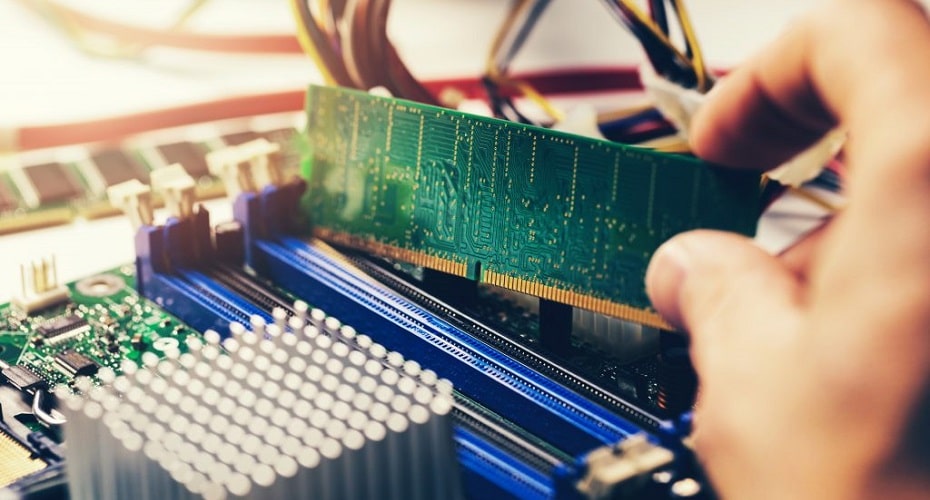
Google Chrome is arguably the most user-friendly browser out there, but it has one drawback — it takes up a lot of memory, and it often breaks down because of that. So is a sign for you to add the RAM. Read this article to know how to install RAM.
Things to do Before Installing the RAM
Before you change and install a new RAM into your computer, it is essential to consider some compelling points.
Select the Right Chip
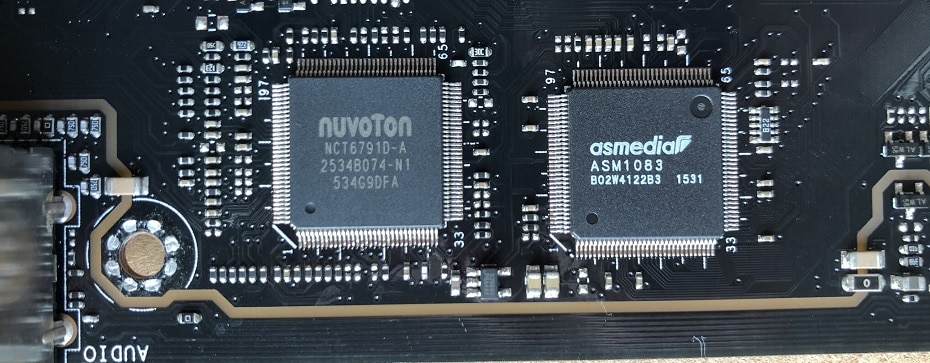
The first point is to search for the correct memory chip for your motherboard manufacturer. There is an upper limit to the amount of memory that the motherboard can support. Take Gigabyte H310M D3H as an example; It supports four RAM slots for the DDR4 generation, and the maximum supported memory is 64GB.
Also, you need to check which version of memory your motherboard supports. Is it DDR2, DDR3, or DDR4? High version memory sticks are downward-compatible but not fully functional.
Adapt to CPU Frequency
It would help if you matched the memory frequency to that of the CPU. For example, if you have a CPU frequency of 2.3GHz but a memory frequency of 2666MHz, you will notice that the CPU frequency is lower than that of the memory. As a result, there is a portion of memory that is not being utilized and wasted.
Installing the Memory Module on the Desktop Computers
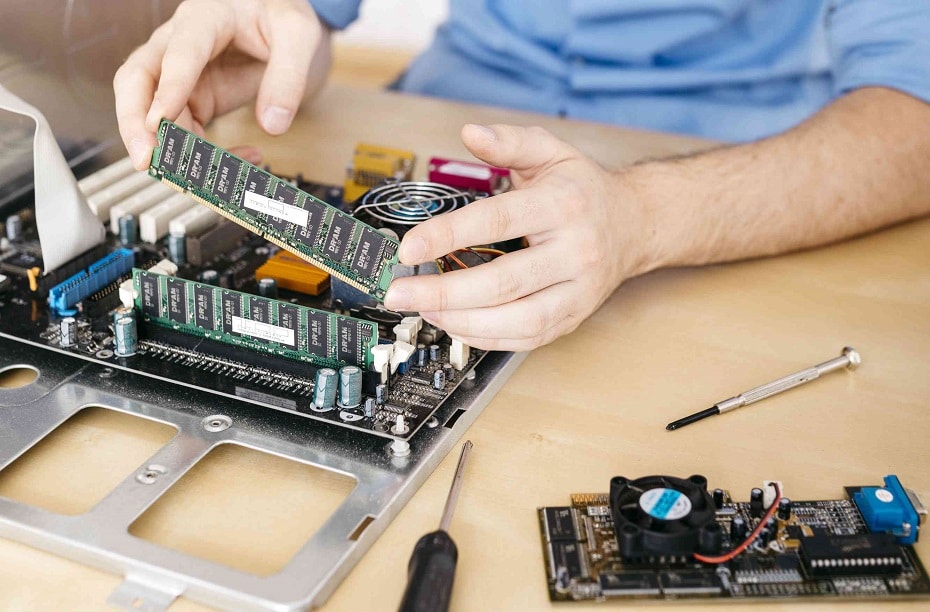
After taking the points mentioned above into consideration, you can then start with the install process for the RAM. You can do this by following the steps explained below.
Step 1
Unplug the power cable and long-press the power button for a few seconds to release the residual power of the device
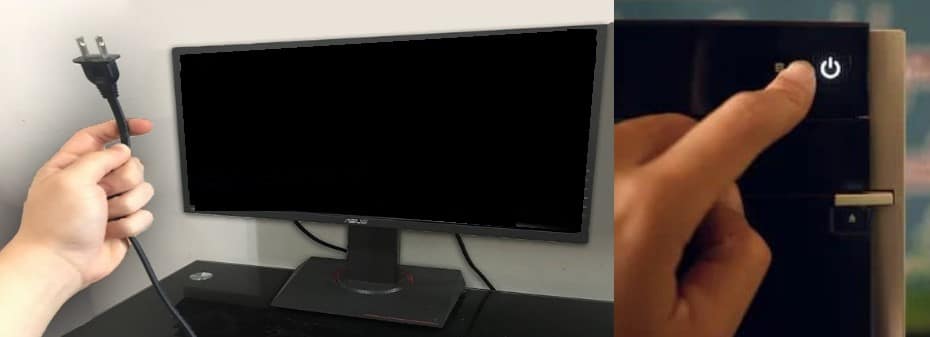
Step 2
Remove the panel. This is usually a delicate but straightforward task, but if you feel that you cannot handle it, it is safer to allow a professional to take it for you. To perform this operation, you may require a Phillips head screwdriver.
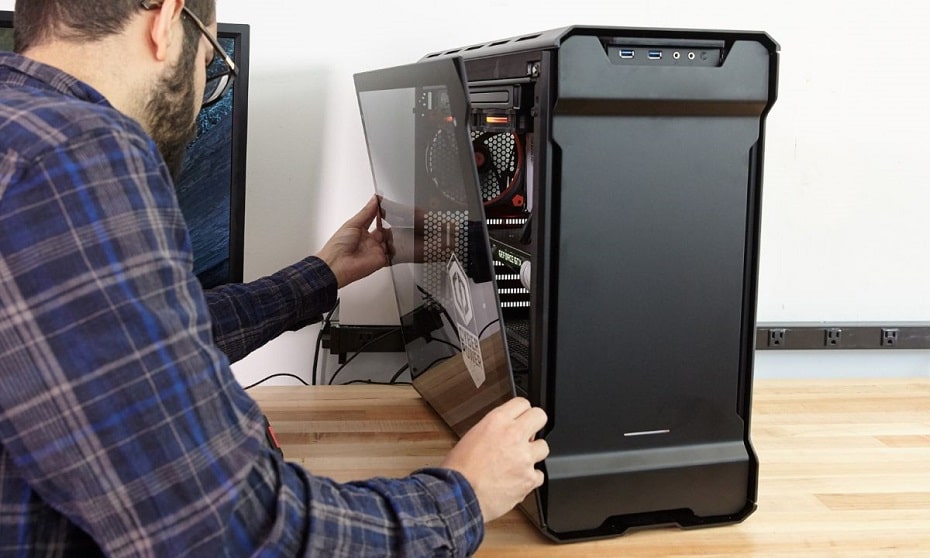
Step 3
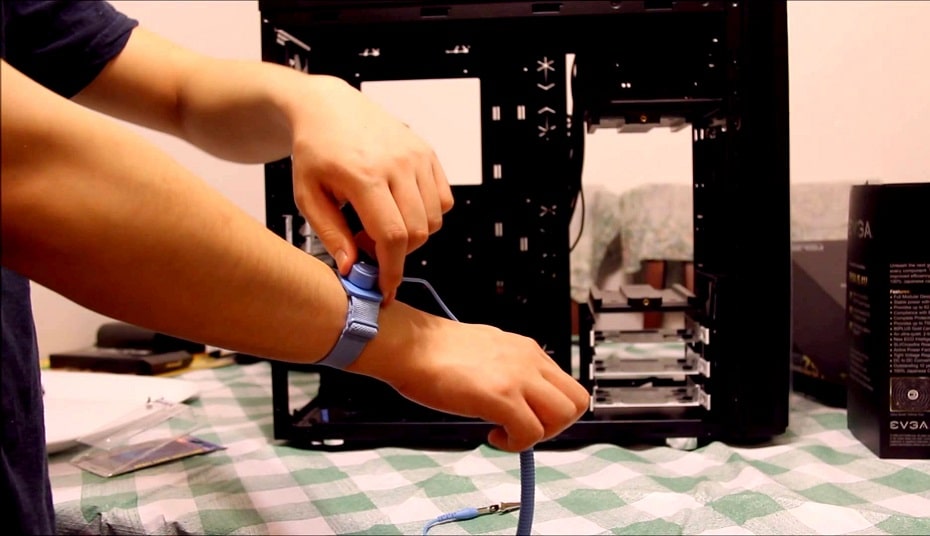
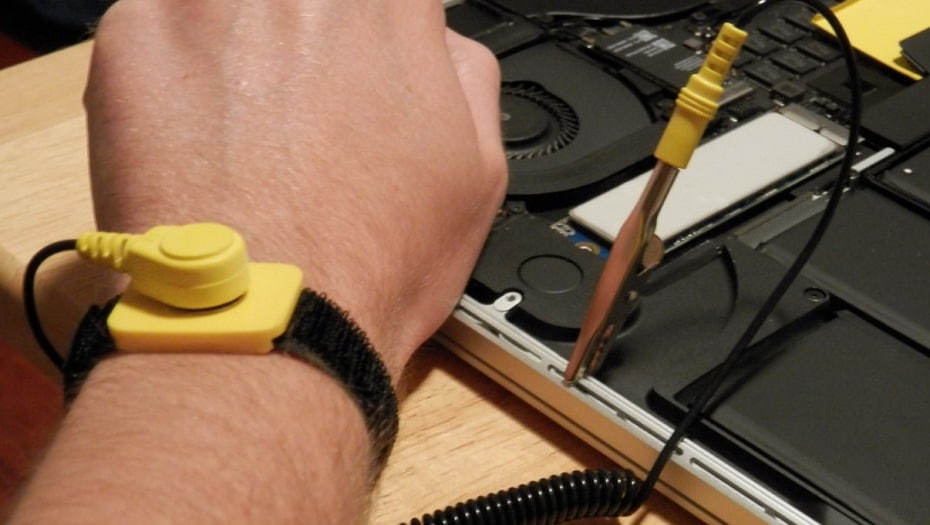
After removing the panel, you need to take precautionary steps before you continue. These preventive steps include wearing anti-static wristbands to prevent static electricity damage to equipment hardware. Once you have these wristbands on, you can continue.
Also, you need to keep materials such as paper, electrical devices, tape, smartphones, and your pets away from the area where you are working. You should only touch the computer ground's metal surface or chassis and protect yourself against electric shock.
Step 4
Open the memory clips and determine how you want to install them. There are four memory slots present on the motherboard. If you are installing an unbalanced RAM (i.e., a 2GB RAM and a 4GB RAM), you need to pair the RAMs at intervals. This means that you pair the RAMs in slots 1 and 3 or slots 2 and 4. Avoid putting three modules into a four modules slot; it will turn out to be less effective. If there is an old RAM there and you want to keep using it, you need to pair it adequately with the new ones.
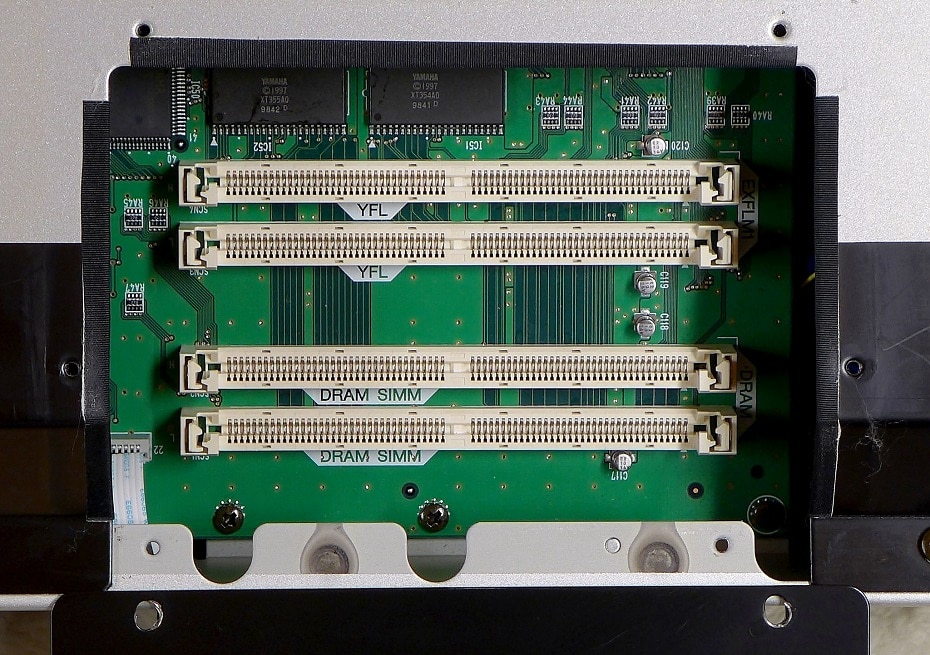
Step 5
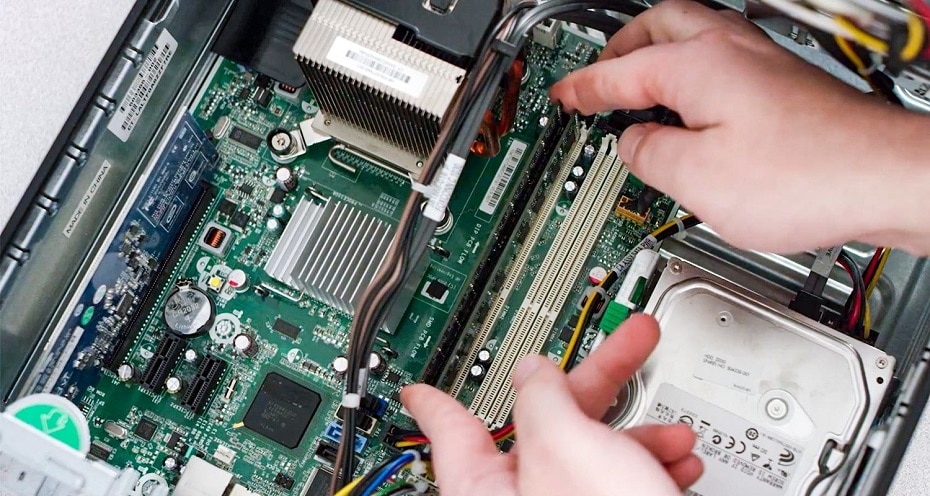
Install the desktop memory, make sure the socket is on it, apply uniform pressure, and hear the sound of “ka,” install ram successful
Step 6
Install the computer panel, turn on the computer and check whether the memory can be read and used
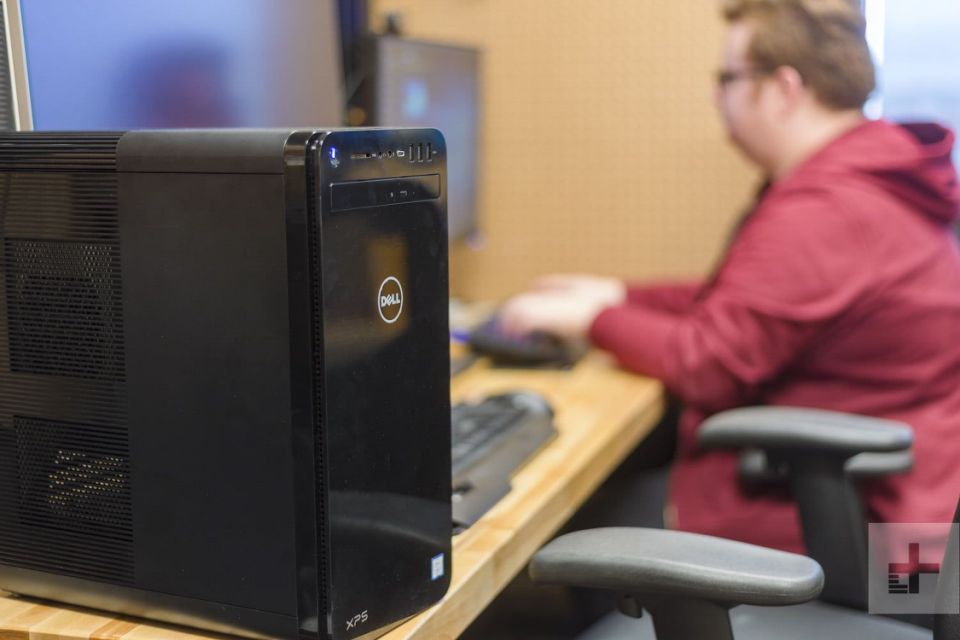
Tips: We recommend that you install two or four pairs of RAM. This triggers dual-channel mode and double data rate.
Installing a Memory Module on Your Laptop
Step 1
Unplug the battery and cable. Ensuring that the laptop computer is out of electricity is a crucial step to take before installing a new memory module. It would help if you also drained the power on the laptop by holding the power button down even after removing the battery.
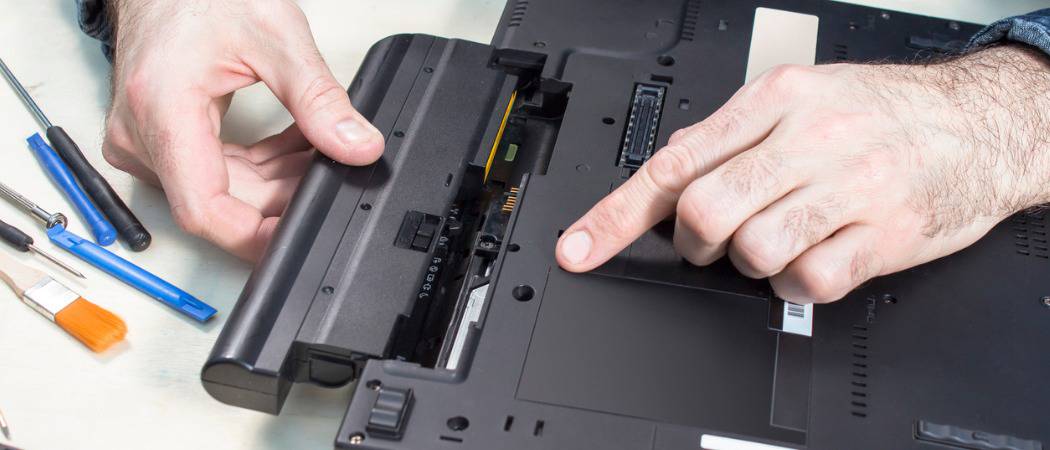
It would help if you drained the power because electric current while installing the RAM can damage the memory module. Also, it can cause a damaging and harmful spark.
Also, it would help if you disconnected any internet cable, ethernet, or telephone wire.
Step 2
Remove the underside. It would help if you were careful while removing the laptop's bottom, and it is advisable to use a Philip head screwdriver.
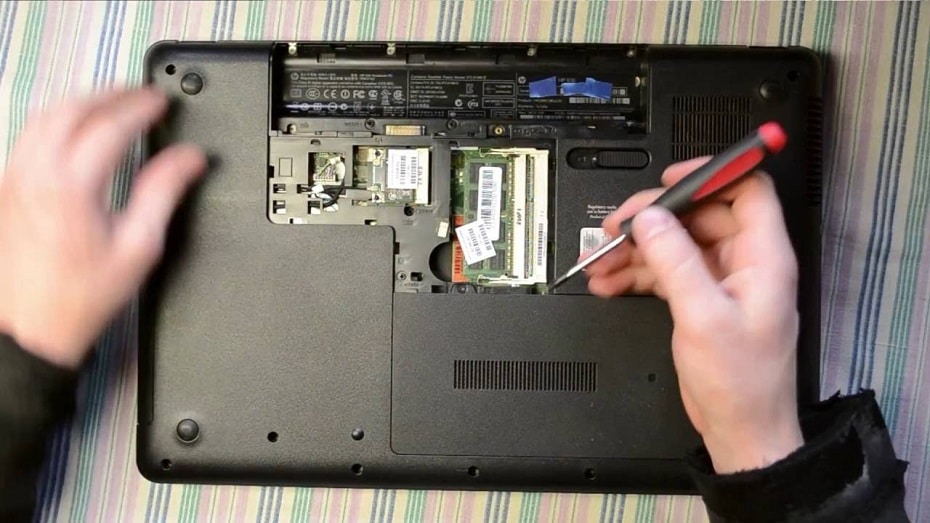
Step 3
As with the desktop case, you must ensure all the necessary precautions, including wearing anti-static wristbands to prevent static damage to equipment hardware and the other ones mentioned above.
Step 4
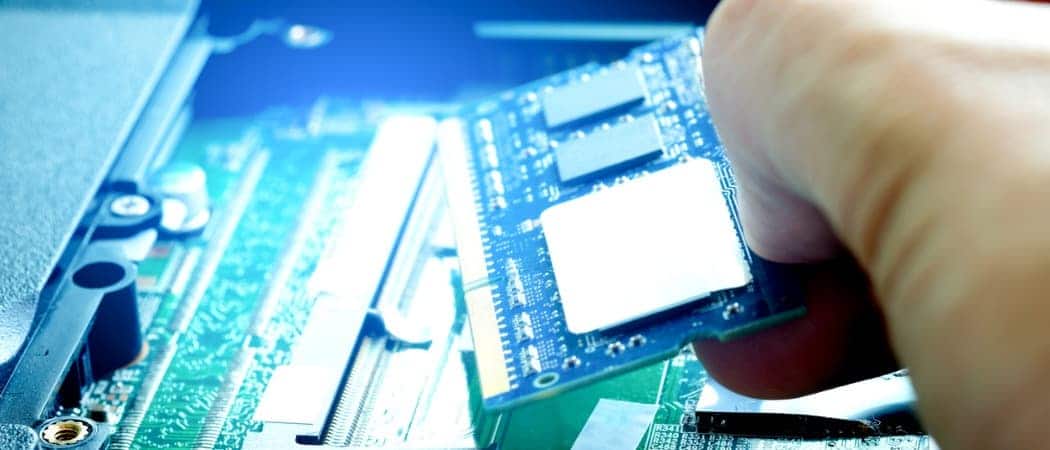
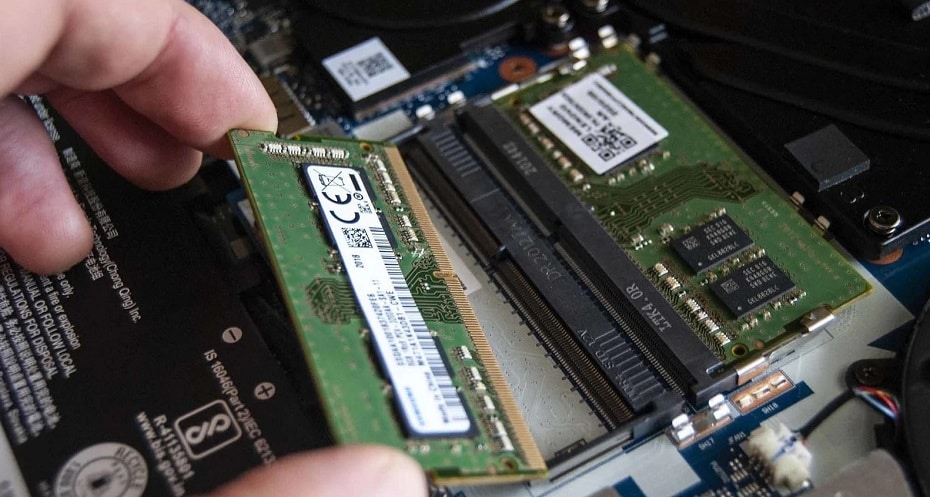
It would help if you then located the memory slot in the laptop computer. Unlike desktop computers, laptops usually have only two memory slots. Find the slot and pull the springs on each side to eject the memory.
Step 5
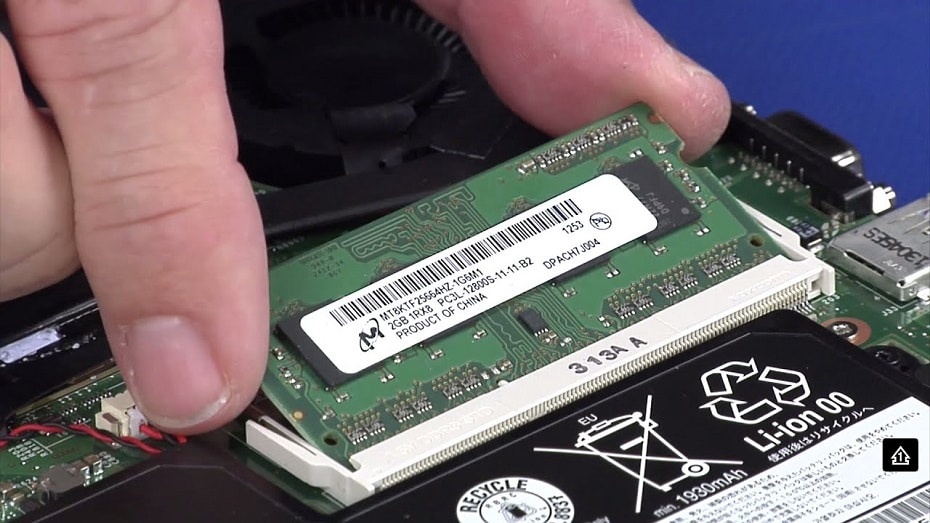
While picking up the new memory module, avoid touching its connecting plates. Touching these plates could result in damaging the entire memory module. Install the memory by inserting it at a 45-degree angle, apply uniform pressure, and wait until the buckle automatically locks; install ram successfully.
Step 6
Install the backplate, power on the machine, and check whether the memory chip can be read and used.

FAQs
Can Apple add memory chips?
Yes, Macs use DDR memory. But we recommend that you ask the apple service store to change it for you. It is also essential to state that the Mac Mini 2020 doesn't allow you to upgrade the memory chips.
How do I view the memory information I have installed?
Check it out on your computer system, or use a program like Speccy. To check through your computer system, go to the Start option, type ‘Command prompt. Right-click on the command prompt and run as an administrator. After opening the command prompt, type in the following command:
Does Install RAM affect Systems?
Apart from improving your computer's performance when you increase the RAM size, it would help if you did not get any strange reaction from your computer when installing a new RAM. However, if your memory chip is not inserted correctly, you may not be able to open the laptop.
