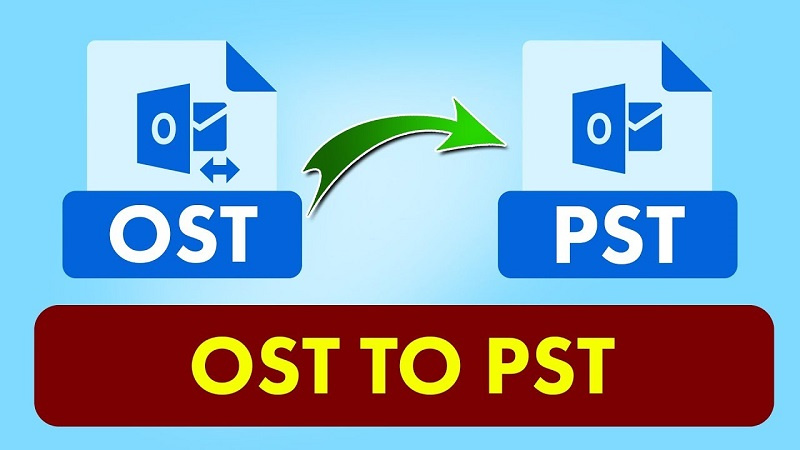
OST file or Offline Storage Table file is a local copy of your mailbox items that is stored on your computer when your Outlook account is setup with Microsoft 365, Exchange Server, Outlook.com, or IMAP.
This OST file allows you to have offline access of your mailbox, which means you can read emails, create reply to emails, and even delete the emails without an internet or server connection. Once you are connected to the internet and server, all the changes done when offline will be automatically synchronized with the mailbox on the server.
On the other hand, a PST is also an Outlook data file that stores your mailbox data on your local computer. It is commonly used by POP3 accounts to download your mailbox data from the server to your local device. Also, you can create a PST file manually to keep a backup of your mailbox data and reduce the size of Outlook. The PST file is portable, which means you can easily open or import it into any Outlook profile.
This is why you need to convert the OST file into PST format. In this article, we will explain how to convert OST to PST online for free.
Some Common Reasons why you Need to Convert OST to PST
Before we move on, let’s understand the reasons for converting an OST file into PST.
- Outlook is not accessible or crashed.
- OST file becomes orphaned after account removal from server.
- Migration to a new device or profile.
- Recovering data from inaccessible OST file.
- Backing up important mailbox data.

Ways to Convert OST file to PST Online for Free
There are two possible ways to convert OST file into PST: using a third-party OST to PST converter tool and Outlook’s Import/Export Wizard. Let’s discuss these methods in detail.
Convert OST to PST with a Professional Online OST to PST Converter Tool
There are several online OST to PST tools available. But for those who are looking for a secure, fast, and easy way to convert OST file to PST, then Stellar Converter for OST Online is the ideal choice. With this tool, you can convert even orphaned and inaccessible OST files into PST in just a few steps. Additionally, this tool allows you to track real-time conversion progress. Also, it ensures complete data privacy and security as the uploaded OST file and the converted PST file are deleted from the server within 24 hours.
Follow the steps given below to convert OST file into PST file online for free:
- Open a web browser, like Chrome or Firefox and enter the given URL: https://converter.stellarinfo.com/
- Before starting the conversion, you need to sign up.
- After signing up, click on Upload OST File to upload the file that you want to convert.
- Find and select the OST file (<500 MB). Then, click on Open and wait until the file is uploaded.
- Click on Start Conversion once uploading is done.
- Conversion process will take some time to complete. After the process is complete, select Save PST file.
Note: You can download your converted PST file within the next three hours of conversion.
Convert OST to PST via Outlook’s Import/Export Wizard
Microsoft Outlook provides a built-in feature – Import/Export wizard, which you can use to convert the OST file into PST. Follow the steps given below to convert the OST file to PST via the Import/Export Wizard:
Note: This is applicable when your OST-associated Outlook profile is accessible.
- Launch Outlook, click on the File tab, select Open & Export >Import/Export Wizard.
- Choose Export to a filein the Import and Export Wizard window and select Next.
- Click on the Outlook Data Fileand select Next.
- Select the folder you want to export the data from and click on Next.
- Click on Browse and choose a location to save the PST file. Then, click on Finish.
Outlook will save the converted PST file at the given location.
Wrapping up
As discussed in this article, there are multiple reasons that require you to convert your Outlook OST file into the PST format. Whatever be the reason, you can easily convert your Offline data file by using the Outlook utility, called Import/Export Wizard. But one thing you need to remember that this utility is not useful if your OST file is inaccessible or becomes orphaned.
To overcome such a situation, you can take the help of a professional online OST to PST converter tool. Stellar Converter for OST is one such reliable and effective tool that can quickly convert OST file of less than 500 MB into PST format absolutely free. If you have a larger file, then you can go for its paid version or use the desktop version to convert your file into PST.
