Low-Level formatting is a way of erasing sectors or surfaces on old storage devices without having to worry about the important and sensitive information on the device. Want to know how this works? Continue reading.
Introduction
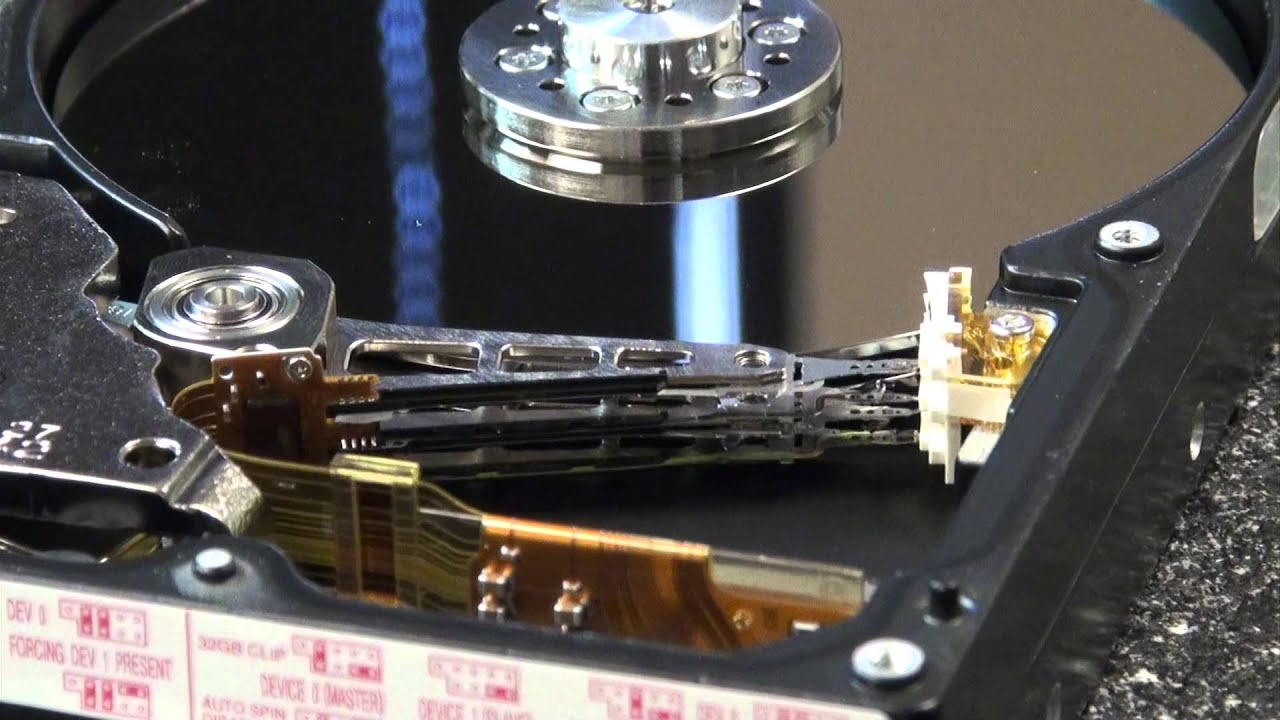
If you stay around geeks and computer experts a lot, low-level formatting is a term you will hear frequently. If you have no idea what this term means and what it is used for, then this article is for you. This article will discuss the concept of low-level formatting, the steps involved, and the reasons why you may want to perform this operation.
What is Low Level Format
Low level format is one of the two types of formatting operations performed on hard drives. It involves the creation of tracks and sectors on the surface of a hard drive. These tracks and sectors build a physical format that determines where data is stored on the hard disk.
This operation is irreversible, as data stored on the hard disk before a low-level format will be lost and permanently unrecoverable.
Low-level formatting is a disk operation performed against the sectors in the disk. This operation allows you to bypass the file system layer and allows you to go straight into the underlying storage. With this format operation, you can write storage devices, regardless of the type of partition used. Low level partition doesn't respect partitions, be it, NTFS, BTRFS, and any type.
Low level format is not only performed on HDDs. You can also perform the operation on SSDs. In this case, each flash particle of the SSD gets erased including the boot sector and the partition table. The process will zero-fill all the cells where data is stored on the disk, clearing out all the data permanently.
Why Low-Level Format
Having understood that low-level format is a process that allows you to permanently erase the contents of a disk, you may wonder why one would need to perform such an operation. In this section, we will discuss some of the reason why you may need to do a low-level format on your storage devices;
Virus Infection
When a storage device is affected by a virus, one of the remedial actions taken is to format it. However, there are some cases where the virus cannot be deleted manually, and you need to erase the virus permanently. The go-to option at this point is the low-level format option.

When you perform the low-level formatting operation on the storage device, the existing data on it gets cleared and unrecoverable, and so does the virus on the device. This way, you can completely erase the virus from the storage device using this method.
Inability to Replace OS
There are situations where you find it a bit hard to replace the operating system on your computer. This is usually a sign of a faulty hard drive and in this case, you need to format it. Low-level format allows you to clean the hard drive as fast as possible and also clears the impediment against loading a new OS.
Privacy Policy

Low-level formatting remains a necessary operation if you are planning to give it or dispose of your hard drive, especially if they contain sensitive and important information. With the low-level formatting operations, you can be sure of the secure eradication of the information before selling, disposing, or giving out the hard drive.
Repairs Bad Sectors
Low-level formatting allows you to repair bad sectors in a hard drive. By writing zeros in the bad sectors, the cluster of damaged storage may get repaired. However, you should be careful with using this approach to repair bad sectors. This is because the low-level formatting process is a double-edged sword. It can repair bad sectors and do hard to hard disks. Therefore low-level format should be the last resort when repairing bad sectors.
How To Low Level Format On Linux
Apart from the Windows OS, you can also do a low level format on Linux OS. Performing the low level format operation on Linux is easy as it requires the use of the command line prompt on your computer.
There are two commands that allow you to perform the low level format on a storage device on Linux. They include;
The dd Command
This method involves typing the following command prompt into the shell;
Sudo dd if=/dev/zero of=/dev/drive_name bs=2048 count=1
However, you need to replace the ‘drive_name” with the name of the storage you wish to effect the format on. You should be careful and input the right name of the drive.
The mkfs.vfat Command
In this method, you start by running a ‘lsblk’ command to locate the device. Then, you need to run the parted command which should be followed by the name of the block device you want to run the format on. Again, you should ensure that the name of the right storage device is used.
You then need to create a partition table using the parted ‘mklabel msdos’ command. The next step is to format the storage device as a fat32 using the mkfs.vfat/dev/sdb1 command.
Vendors Low-level format Tools
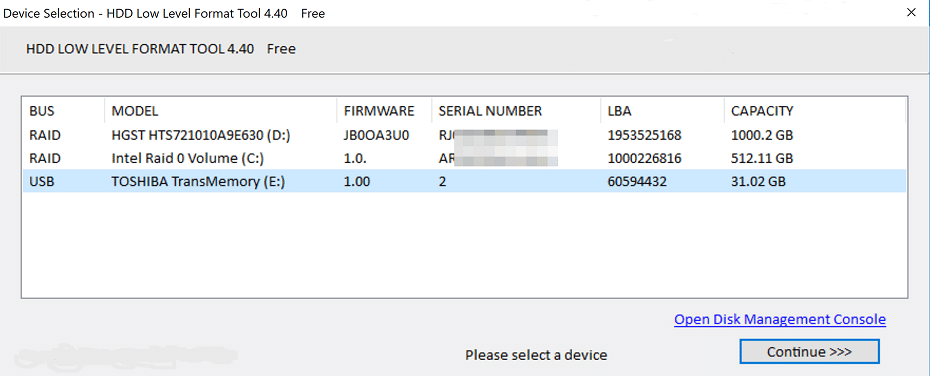
Generally, manufacturers of drives have their low-level format tool available for download on their websites. However, some vendors offer low-level format tools for public use. They include
Free Level Format Tool
There are a couple of free tools that you can use to perform the low-level format operations on your storage devices. They include

Lowvel is one of the popular free low-level format tools in the industry. The tool allows you to irreversibly delete files from your storage device by doing what is known as zero-filling. After this operation, the storage device is brand new as you will not be able to retrieve any lost file from it.
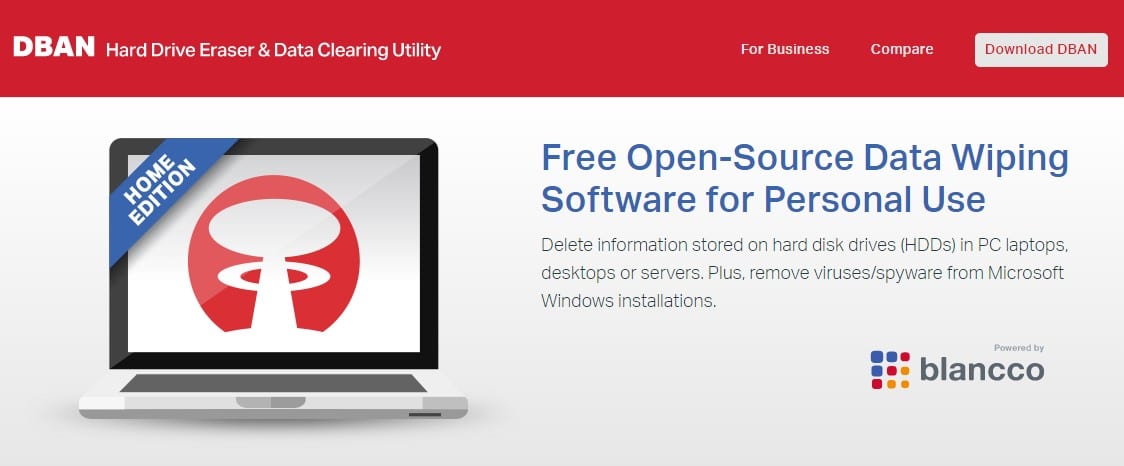
This tool also allows you to permanently delete files from hard drives for free. However, there are many limitations to this tool. It cannot work on SSDs and does not provide a certificate of data removal for auditing purposes. Therefore the tool is not advisable for corporate bodies, or those in need of a certificate of data removal.
FAQs About Low-Level Format
Can Low Level Format Fix Bad Sectors?
Yes. Low level format can repair bad sectors by overwriting them as zeros.
How Do You Do Low Level Format?
You can use the command line prompt on your computer or use format tools available on the internet.
Conclusion
For many reasons, you may feel the need to effect a low level format on your storage device. While doing this, it is advisable to use online tools if you have little or no knowledge about computer programming. However, if you have a certain level of competency in writing programming lines, you can low level format your storage device by yourself.

All websites are working and of high quality. Awesome list of Blog Commenting Sites. Thanks for sharing such informative content with us.Busy standard edition
thanks