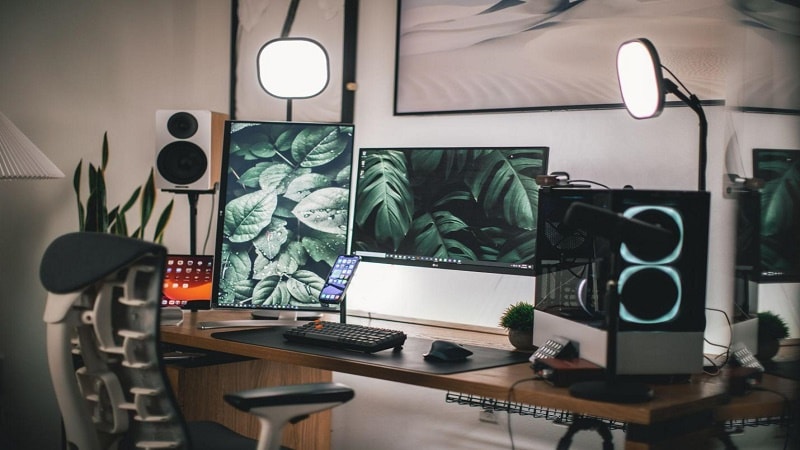
The online gaming lifestyle has been steadily rising in popularity for years. Many must’ve found it a good way to socialize, stay entertained, and even earn money during the peak of COVID-19.
While gaming has been more inclusive than ever, countless newbie PC gamers are left wondering how to pick the best gaming computer. For anyone interested, that’s a complicated question to answer. But we’ve got you covered.
In this list, we’ve rounded the top three PC specs that matter the most when gaming. We’ve also added a few product suggestions, including the cheapest and best.
Central Processing Unit
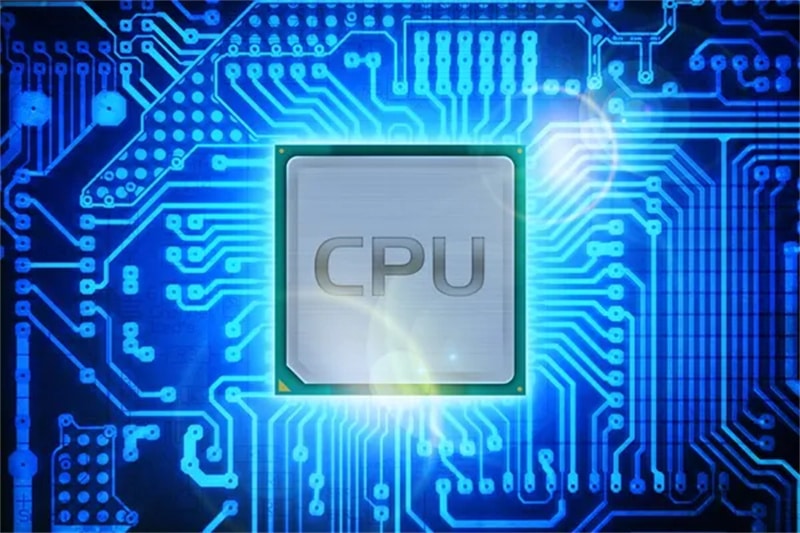
The central processing unit (CPU), also called a central processor, main processor, or just processor, should be on the top of your list — and for a good reason. It determines how systems perform in any software.
Core count is a major consideration for a processor to run more efficiently. In simple terms, one core in a CPU works on one task while the other works on a different task. Thus, if you have a higher processor core count, your PC can process more tasks.
In the mainstream space, core count options range between two and 16 cores. For example, take a look at gaming laptops at digiDirect. Some laptops have two cores, while others have four, especially mobile or laptop CPUs like Intel’s 8th-generation processors.
A six-core chip is a good place to start for gaming. Consider AMD’s Ryzen 5 5600X and Intel’s i5-10600K or their last-generation counterparts 3600X and 9600K, respectively. The main downside of a six-core chip is its price. If you’re on a very tight budget, the lowest you should go is a four-core chip. Any lower than that will likely result in performance issues with some games and software.
If you’re torn between AMD and Intel, here’s our take. Intel’s flagships are among the best processors for gaming, especially the i9-10900K. But they don’t offer the best value throughout the pricing spectrum.
AMD, in contrast, is more reasonably priced. They offer more cores and far better-multithreaded performance. Take the latest Ryzen 5000 processors as examples; they get the better of Intel in terms of productivity and gaming tasks these days.
Graphics Processing Unit
If you’re primarily gaming, the graphics processing unit (GPU), commonly known as the graphics card, is the most crucial element of your gaming PC. It beautifies your games, spits out high frame rates, and makes higher resolutions playable.
There are currently two big companies known for their graphics card: Nvidia and AMD. Overall, Nvidia’s graphic cards are unrivaled, especially its RTX 30 series. Specifically, you’ll likely come across the RTX 3060 or 3070 range when buying gaming PCs. Among others, the GeForce RTX 3090 Ti is a chef’s kiss unless money objects.
AMD’s graphic cards are more affordable options. For example, the RX 6000 Series can already let you play games with slightly lower graphic detail levels and even at 1080p resolutions. The entry-level RX 570 can also give you a decent performance when playing at 1080p.
Either way, it’s essential to consider the game you want to play and how you want to play it. For example, if you want to play at 1080p, Nvidia GTX 1650 and AMD RX 570 can perform well. But if you want to play at 1440p, you need something more powerful like Nvidia’s 3060 Ti or last generation’s RTX 2060 or RX 5700—all in the $400 bracket.
You’ll likely spend up to $1,000 if you’re interested in 4K gaming or 100+ FPS. At 4K, the best options are Nvidia’s RTX 3080 and AMD’s 6800 XT.
While it’s commonly advisable to opt for newer cards, there’s great value to be had with older cards. They could be your last resort, too, since, unfortunately, stock issues persist for both Nvidia and AMD’s latest graphics cards.
Random Access Memory
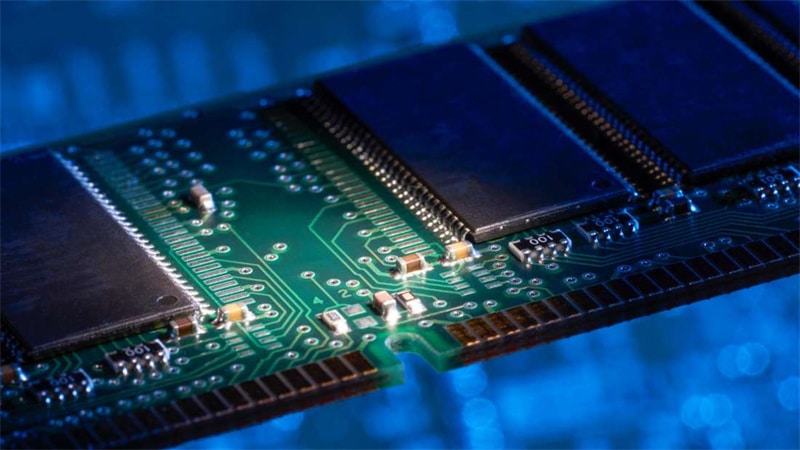
For gamers who want their gaming experience as realistic as possible and benefit from faster loading times, random-access memory (RAM) is necessary.
It is a short-term storage that temporarily holds data from a game you’re playing and acts like a buffer during intense processing. It boosts your system’s responsiveness, loads the game faster, and improves frame rates. It’s also one of the easiest and cheapest things to upgrade later.
When choosing a GPU, the type of games you want to play and whether you need to use other software simultaneously determine the exact amount of RAM. For example, if you’re going to play Overwatch, you need to atleast have 4GB RAM, but 6GB is recommended. For PUBG and Fortnite, 8GB RAM is the minimum requirement, but 16GB is advised.
16GB is a good baseline for modern gaming systems, especially with how far prices have declined in recent months. But if you want additional savings, you can already get away with 8GB in gaming.
This is best recommended if you’re playing older games or don’t mind sacrificing frame rates or details. If you’re going to multitask and plan to run other demanding software, 32 GB comes in handy. Otherwise, it’s more than enough for gaming.
One final note about RAM: have two 8GB RAM sticks. It’ll allow you to leverage dual-channel memory on most motherboards (mobo).
That means it can effectively double the data transfer speed compared to a single stick. Other gaming computers advertise 8GB RAM, but only one 8GB stick. Thus, when buying a PC, ensure its configuration has at least two sticks.
Final Thoughts
Just to be clear, these three specs aren’t the only ones you’ll have to look into when buying a PC. There are still storage, coolers, power supply (PSU), and other peripherals that you want to consider as well. That’s why it’s crucial to run your research well.
Keep in mind that a gaming computer is a huge investment, so it should be taken seriously for it to be cost-effective and for you to have a good gaming experience.
